




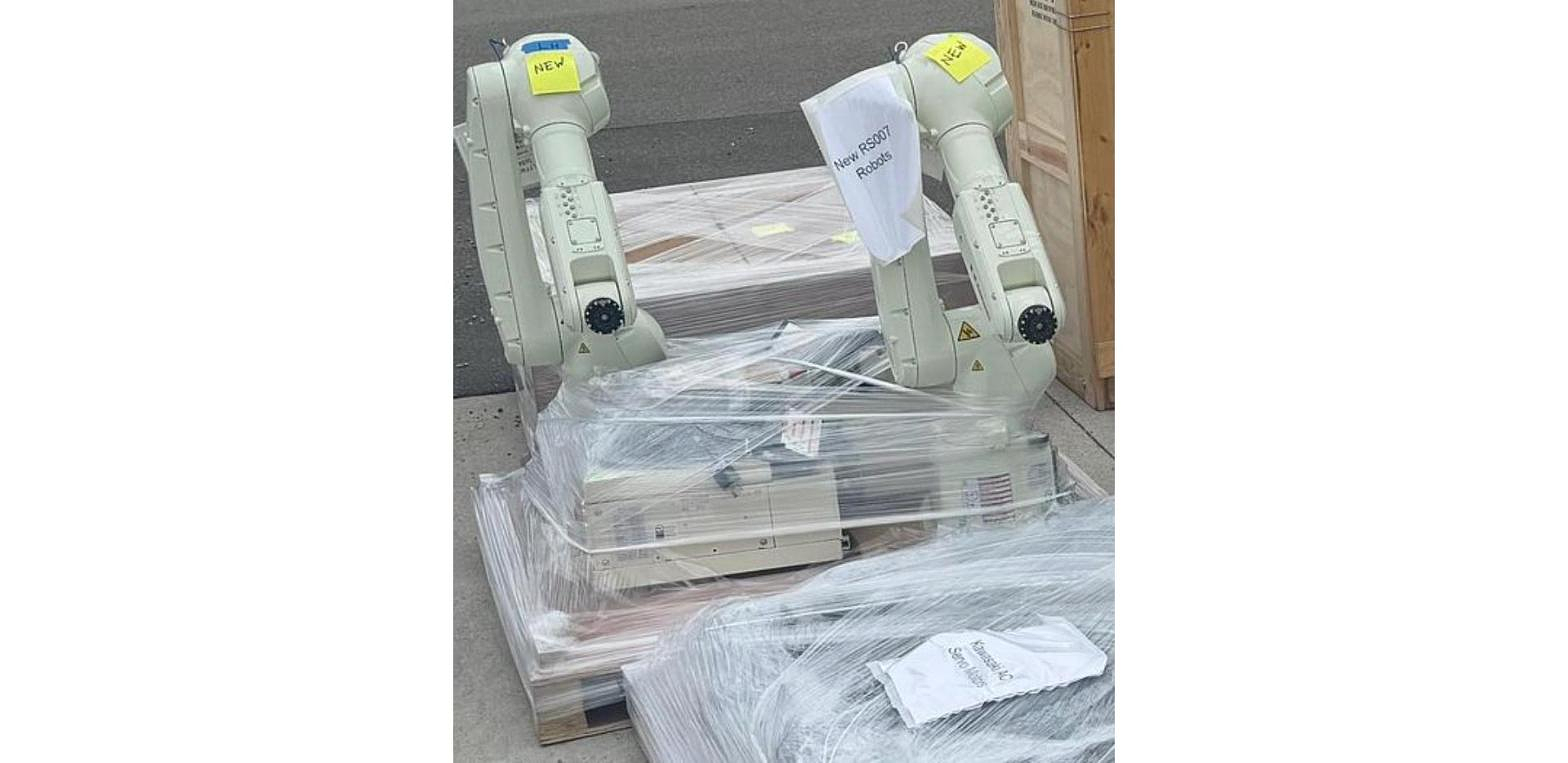
The Kawasaki robots in our stock that list a controller come with one of three: the E01, the E02 or the F60. The RS010L and RS020N run on E01, the BX200X runs on E02, and the small RS007L runs on F60, with one unit listed as F60F. For a buyer the rule is simple: buy the arm with the controller shown on the listing.
What the Controller Does
The controller is the cabinet that runs the arm. It holds the computer, the servo amplifiers that drive each axis, and the safety circuits. Kawasaki robots are programmed in Kawasaki's AS language through the teach pendant that plugs into the controller. Our post on Kawasaki robot history covers how the line has grown over the years.
An arm and its controller are set up to work together. That is why our listings show both, and why swapping in a controller from some other robot is not a quick job. Everything we have is on our used Kawasaki robots page.
E01
In our stock, the E01 runs the never used RS010L units, built in 2018 and 2019, and the RS020N, in a used 2021 unit and a never used 2022 unit. Our Kawasaki RS010L data sheet also lists the E01. These arms fit machine tending and material handling robots work. If you run an E01 cell already, an E01 robot keeps your pendant and programs familiar.
E02
The never used BX200X on our floor comes with an E02. The Kawasaki BX200X data sheet lists 200 kg payload and 3,412 mm of reach, which puts it on heavy handling and palletizing robots jobs. The E02 also shows up on our data sheets for the Kawasaki RS030N, the RS050N and the RS080N.
F60 and F60F
The F60 is on our RS007L units, used and never used, and the 2019 unit's listing shows an F60F. The Kawasaki RS007L data sheet lists 7 kg payload and 930 mm of reach, and the Kawasaki RS013N data sheet also lists the F60. These small arms fit robotic assembly and light pick and place.
Treat the F60F as its own model. If you are matching an existing F60F cell, or buying spares for one, match the full controller model shown on the listing and on your own nameplate.
Adding to a Kawasaki Line You Already Run
If your plant already has Kawasaki robots, look at the controllers on them first. Buying the same controller model means your techs use the same pendant, read the same screens and keep one set of spares. If your line runs E01 robots and you want another in the 10 to 20 kg range, the RS010L and RS020N are the place to start. If your existing cell is a small F60 robot doing parts transfer, an RS007L on F60 keeps the controller the same.
What to Verify on a Used Kawasaki Controller
- Controller model. Read it off the listing and the cabinet nameplate. E01, E02, F60 and F60F are not the same thing.
- Arm and controller pair. Make sure the controller is the one that came with that arm.
- Teach pendant. Confirm it is included and check the screen, enabling switch, emergency stop and cable.
- Cables. Ask about length and connector condition. Our posts on robot connection cables and cable management explain what to look for.
- I/O. Check how the controller will talk to your PLC. See our post on industrial robot I/O.
- Incoming power. Confirm the supply voltage on the nameplate matches your plant before the controller ships.
- Programs. If you plan to reuse programs from another Kawasaki, check they came from the same controller family first.
- Spares. Check our robot parts and accessories for what we have on hand.
Kawasaki Robots and Their Controllers in Stock
Stock changes often. Click a model to see current units.
- Kawasaki RS010L on E01: 10 kg payload, 1,925 mm reach, never used
- Kawasaki RS020N on E01: 20 kg class, used and never used
- Kawasaki RS007L on F60: 7 kg payload, 930 mm reach
- Kawasaki RS007L on F60F: 7 kg payload, 930 mm reach
- Kawasaki BX200X on E02 and other units: BX200X at 200 kg and 3,412 mm, plus RS030N and RS015X
Related Guides
Got a Kawasaki Cell Coming Out?
We buy used robots and controllers, from one unit to a full plant. Send the details through our sell your machinery page or ask about appraisal services. Buying? Our financing page has options, and everything ships FOB Imlay City, Michigan, with the buyer arranging freight.
To ask about a controller or a robot, call 586-752-0090, extension 1 for sales, or get in touch with our sales team.